 PYKATELLAR
Pykatellar Platform
Everything is entity can be built and designed.
Matmap
A super powerful graphic software on WebGPU.
Matmap is a fully browser-based design software that uses WebGPU and hardware acceleration to deliver graphics performance.
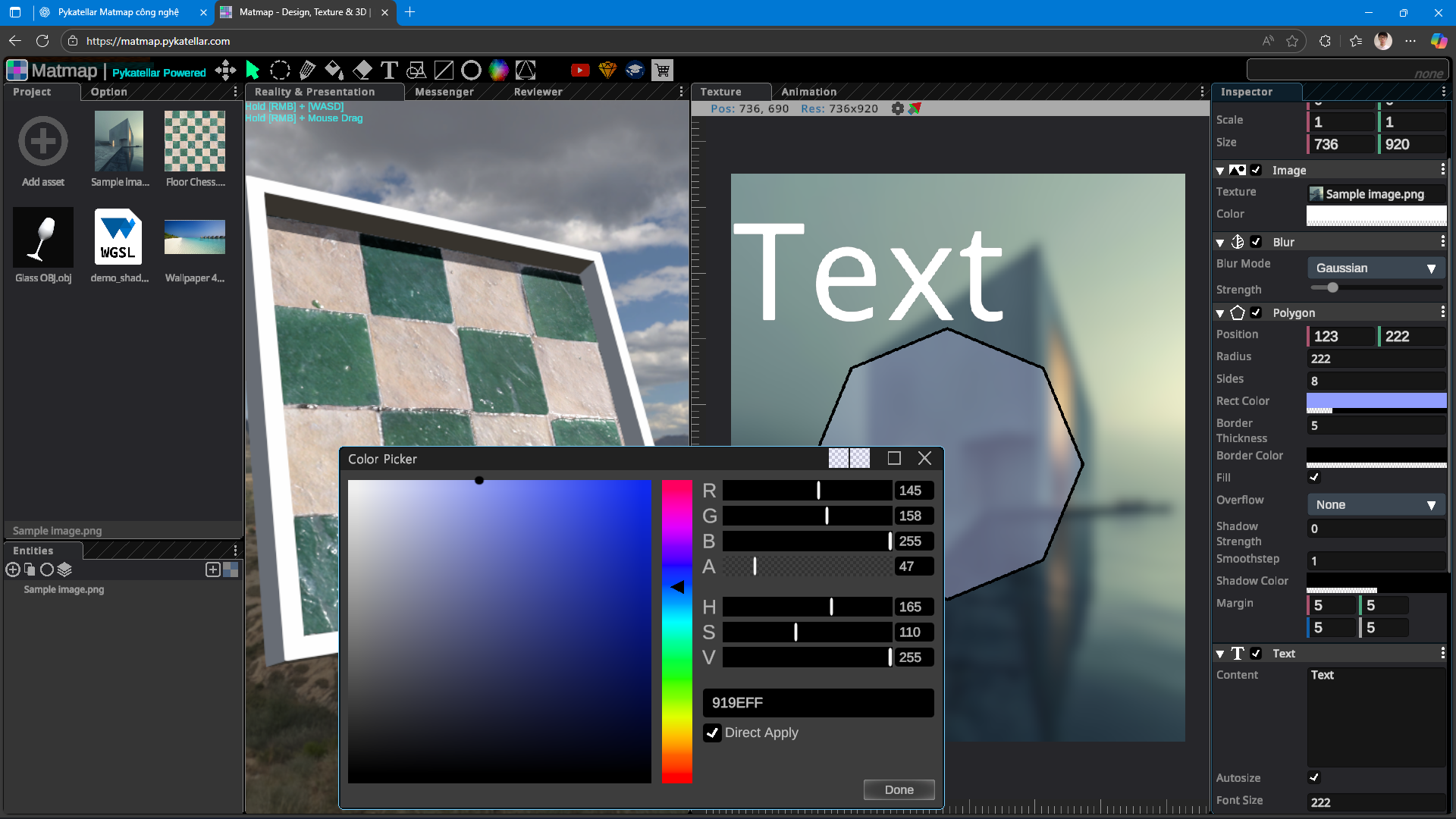
With three main features: creating texture maps for 3D designs useful for games, architectural simulation; photo editing like light Photoshop, features such as mask, filter, blur, noise... are all available; presentation and simulation, can create dynamic slides for 2D or 3D presentation, 3D objects can simulate motion behavior through the Blueprint system.
Outstanding features:
1. Flexible drag-and-drop interface like game engines, with separate windows and can be attached to frames quickly, tabs can be easily resized, assets can be dragged and dropped to interact when editing photos or working with 3D scenes.
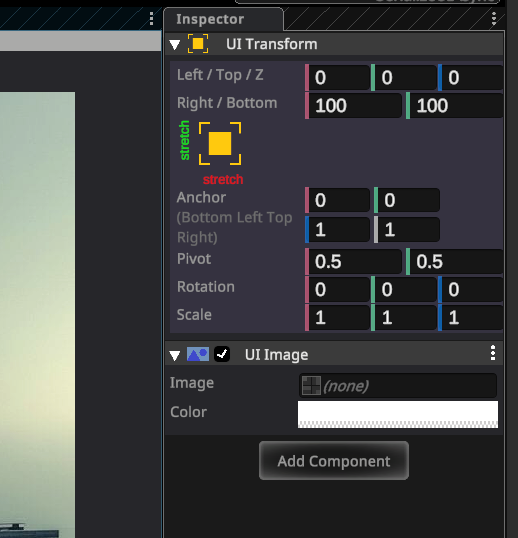
2. Entity-component system (ECS) architecture from Unity Engine brings a design style like a game engine, everything inside Matmap is an entity with three main types of entities: Transform (3D entity), Rect Transform (Photo/Texture editing entity), UI Transform (Slide entity) corresponding to the 3 main types of Matmap features.
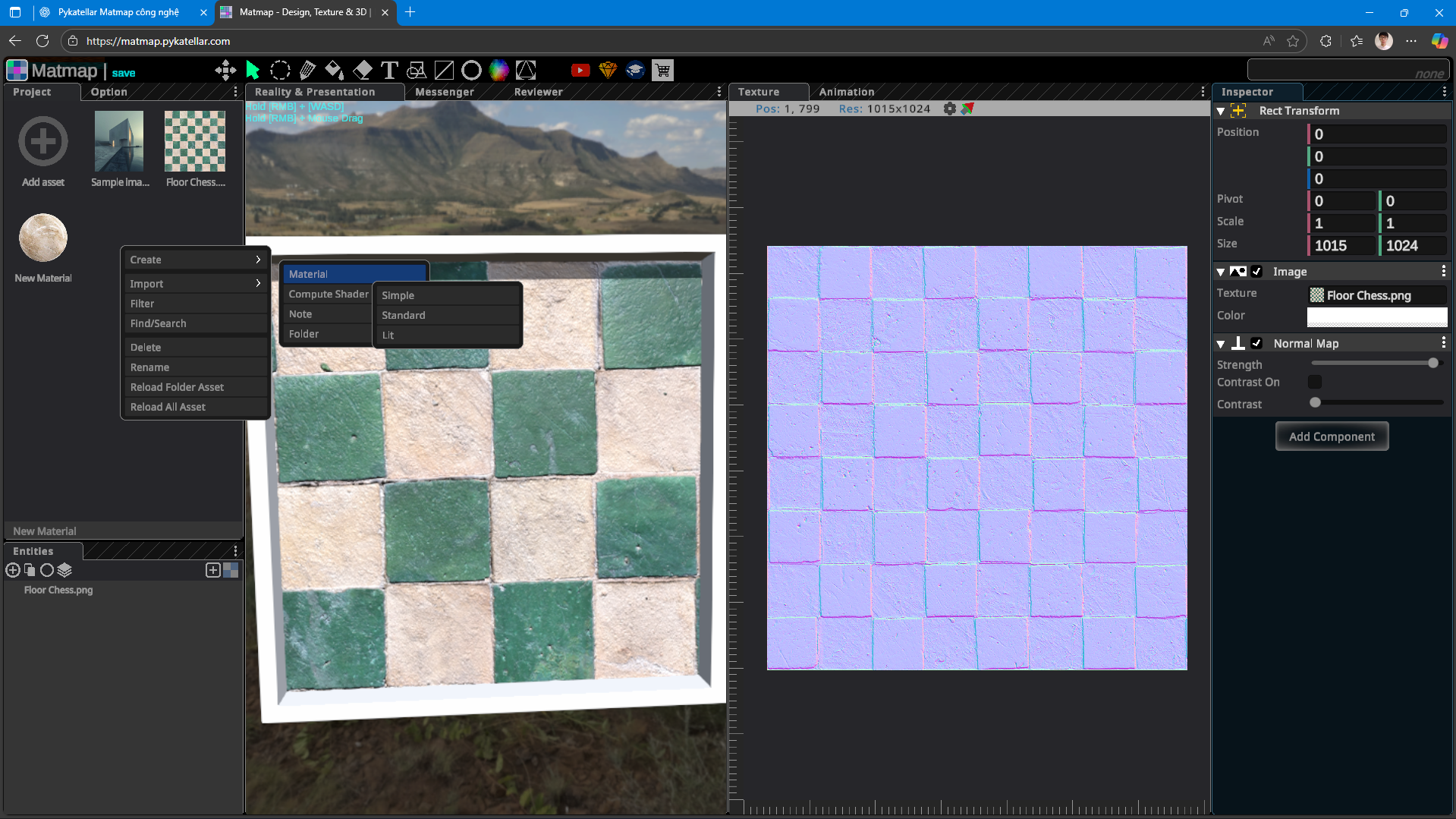
3. Has an entity manager like Hierarchy in game engines. Can edit textures/images/3D scenes in multithreading. Has a project manager that manages imported assets. Handles a variety of assets such as images, 3d models, audio, video, text, WGSL shaders, font assets...
4. Let's take a look at some components:
- Image: this is the component that contains the image passed in and will be processed through the components below added after it. It will look like Image in Unity.
- Normal Map: used to create normal textures.
- Geometry such as Rectangle, Circle (with x and y axes), Polygon (equilateral angle) are used to create drawings, they also have many shaping modes and can replace brushes or textures.
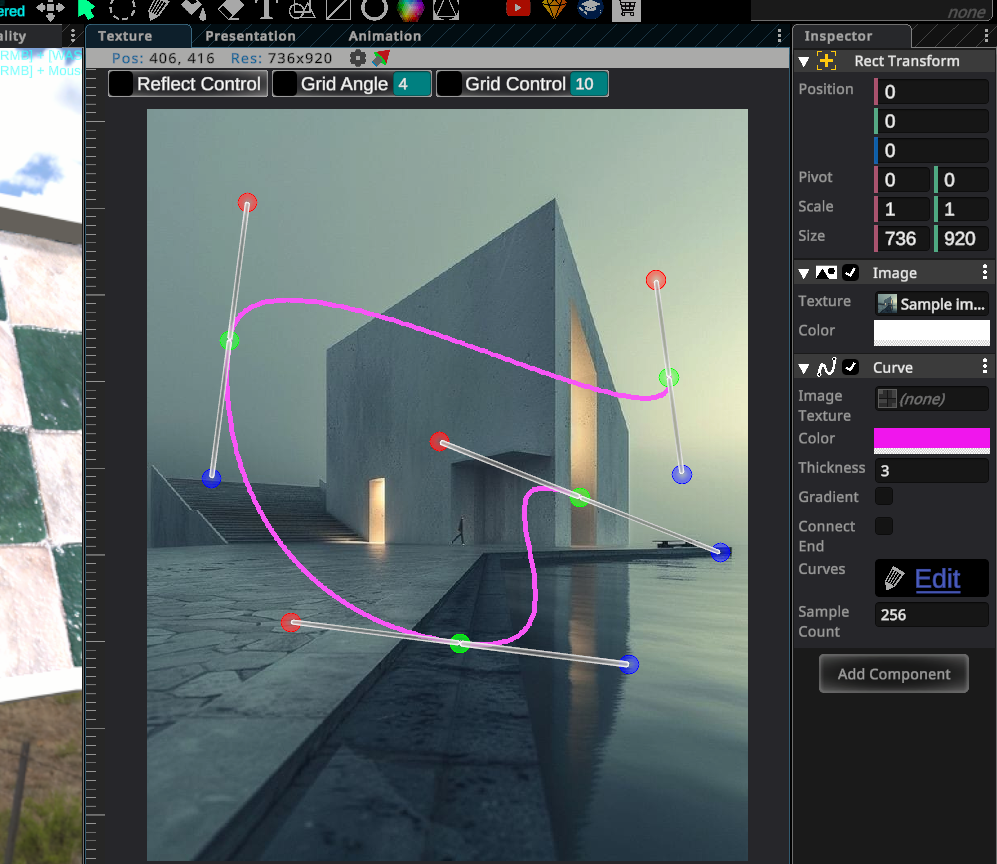
- Line and Curve: used to draw straight and curved lines using the Bezier Splines algorithm with control points and handles that can be dragged and dropped for editing.
- Mesh: this is the component for 3D objects, it will create mesh for the object and display it on the 3D Scene (Reality tab).
- Object 3D: will display 3D objects on the 2D texture/image editing frame, suitable for 3D image collage on photos.
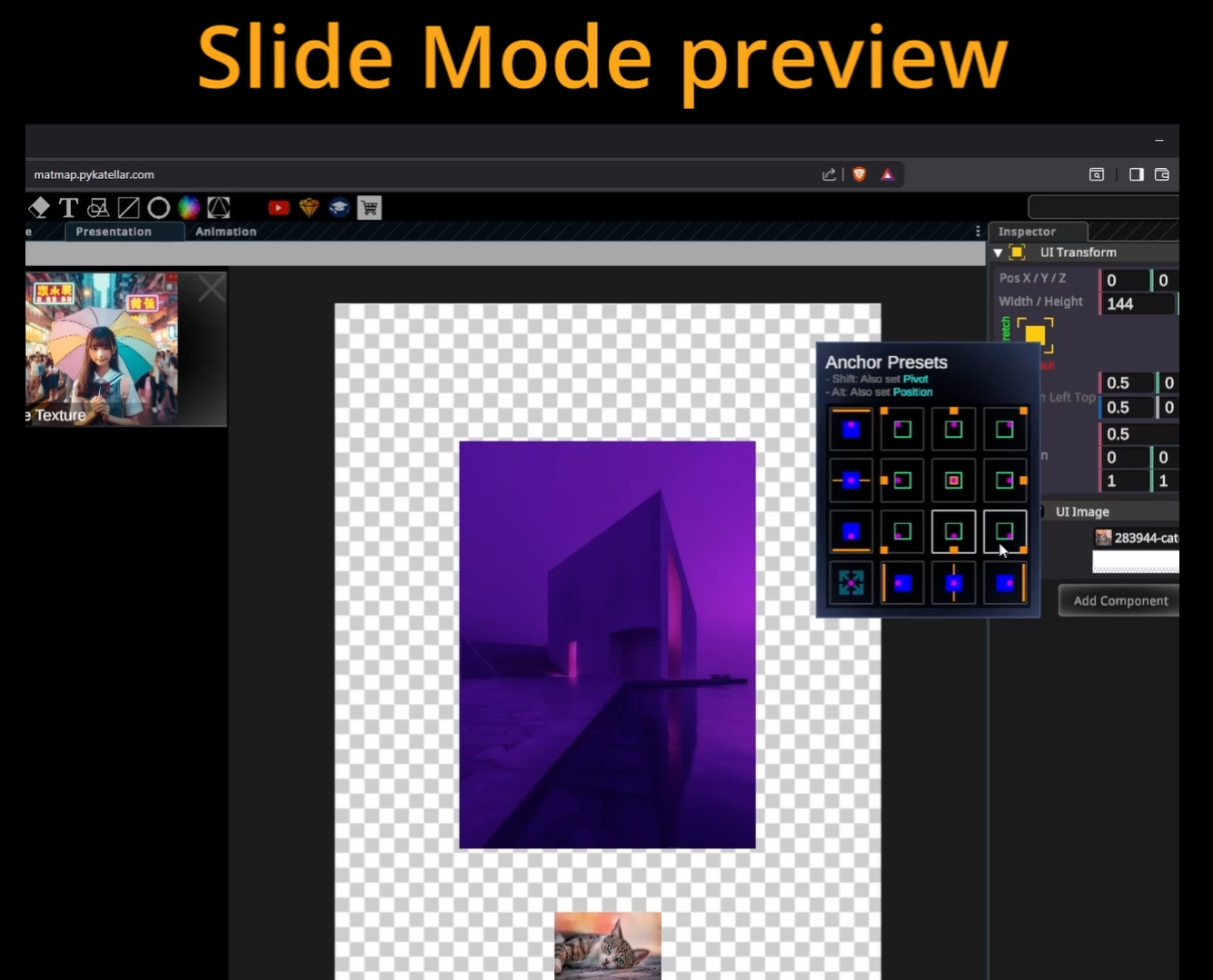
- UI Image, UI Text, UI Video... are components that display objects for presentations and slideshows.
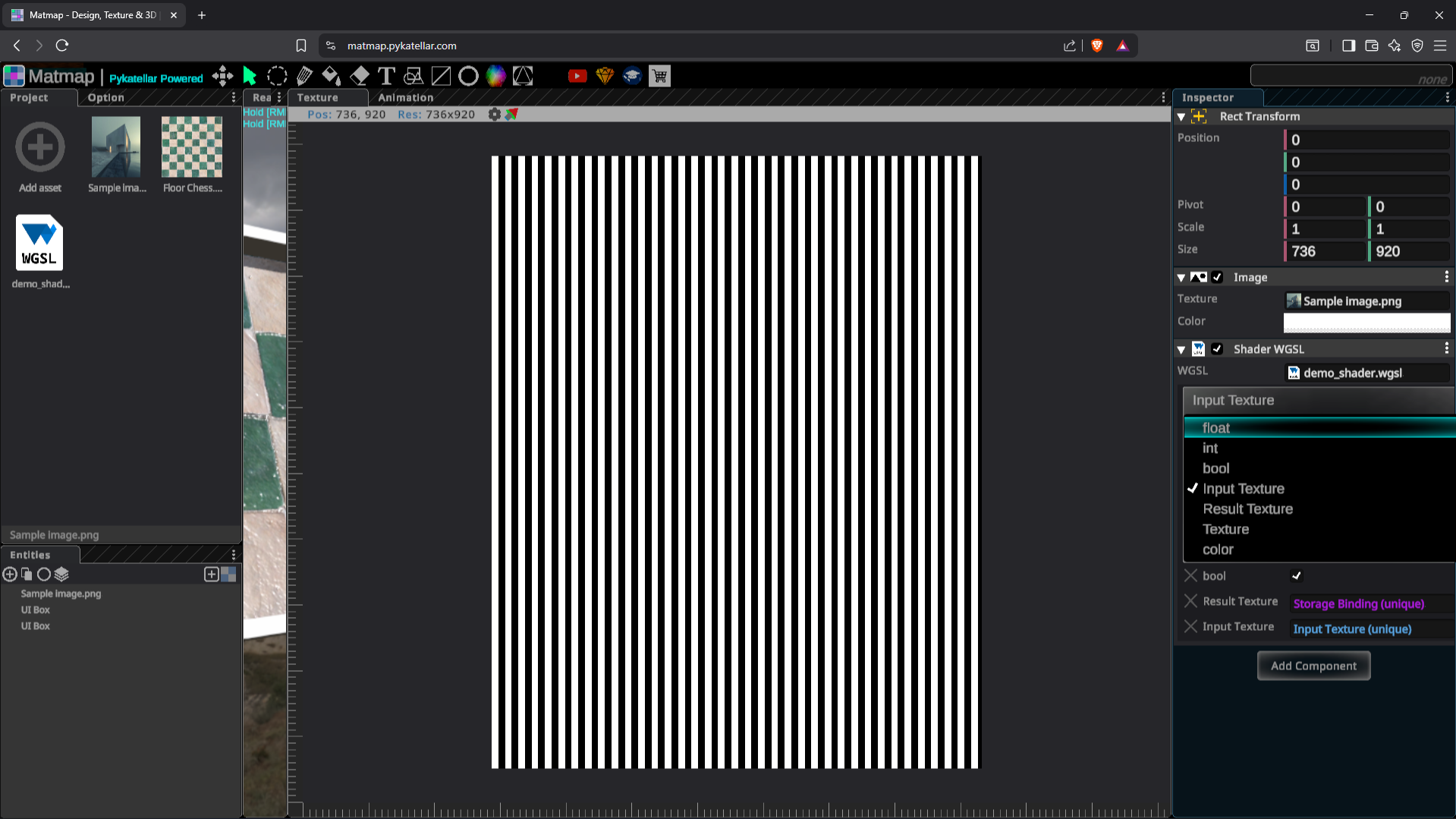
- WGSL Shader: this component allows designers to use WGSL code to edit their own photos, import WGSL files into Matmap and drag and drop them into the component's WGSL asset box.
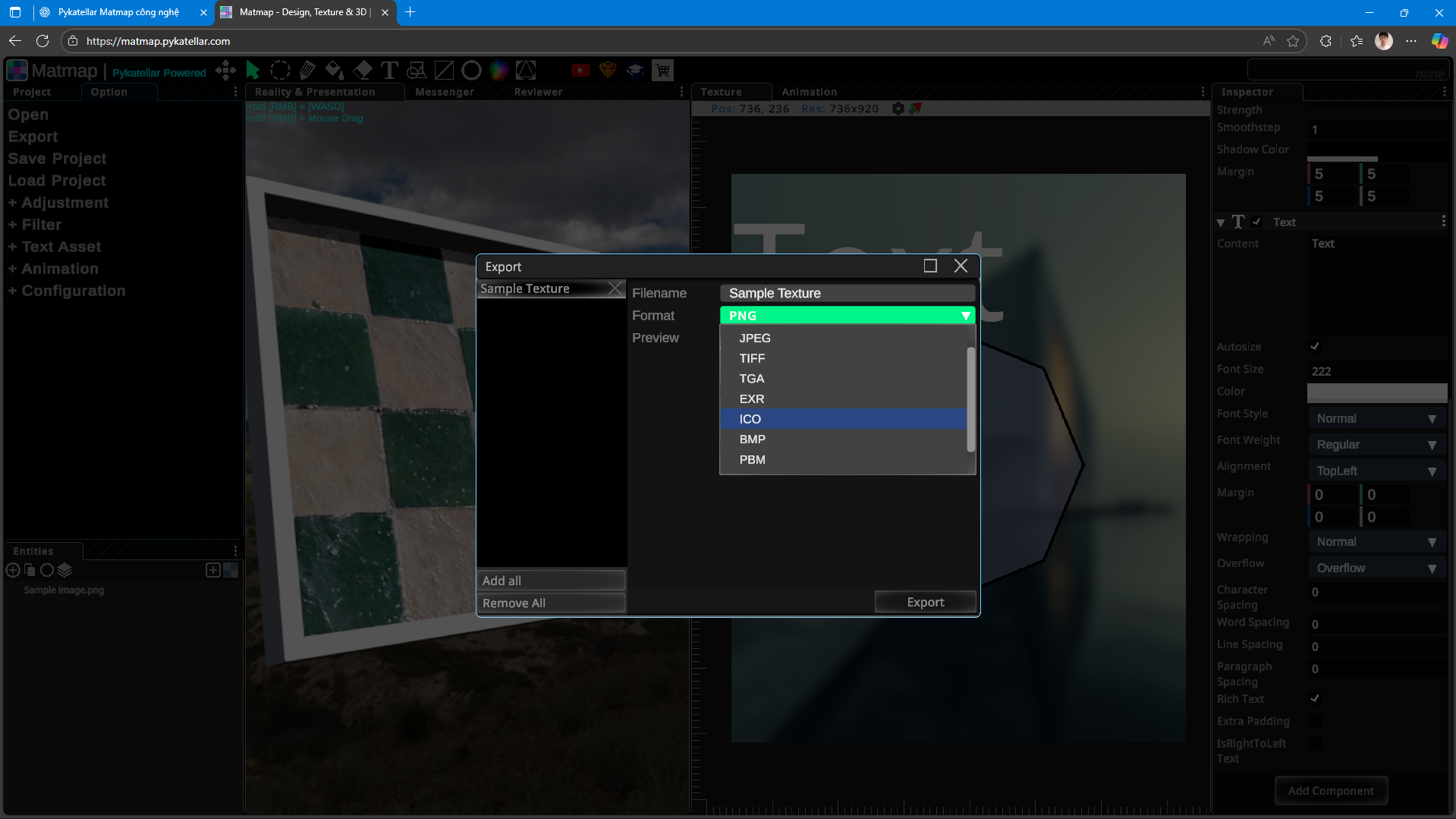
5. Support exporting photos in many formats: png, jpeg, tiff, tga, exr, ico, bmp.
6. Support save load project, can save project directly in the browser's IndexedDB or download and store on the computer to share with friends, colleagues or partners.
7. Blueprint: this is a system like in Unreal Engine, or Flowgraph in CryEngine used to write custom scripts using a drag and drop interface.
🧱 Turn Real-World Photos into 3D-Ready Textures Matmap lets you generate high-quality texture maps from real-life images — perfect for 3D modeling, game development, and digital art. With just one photo, you can create diffuse, normal, roughness, and other essential maps ready for use in professional pipelines.
🖌️ Edit Images Directly in Your Browser Think of it as a lightweight, fast-loading version of Photoshop — right in your browser. Crop, adjust colors, tweak contrast, and more with an intuitive interface that requires no downloads or plugins.
🌐 3D-Enhanced Presentations Inspired by Canva but built for the future, Matmap allows you to create dynamic slide presentations with 3D motion, lighting effects, and spatial storytelling. Ideal for educators, content creators, and designers who want to present ideas in a visually immersive way.
⚙️ Powered by WebGPU Matmap is built on WebGPU, the next-generation web graphics API that unlocks the full power of your GPU directly in the browser. This enables ultra-smooth performance, high-fidelity rendering, and real-time interaction with complex 3D scenes — all without leaving your tab.
🧩 Modular, Drag-and-Drop Interface Matmap features a flexible, multi-panel workspace inspired by professional tools like Unity and Unreal Engine. You can drag, dock, resize, and rearrange panels to create your ideal workflow. Whether you're editing textures, presenting slides, or working on multiple tasks at once, the interface adapts to you.
🇻🇳 Proudly Made by Vietnam Matmap is one of the first advanced creative tools developed by a Vietnamese team with global ambitions. Though still in beta, it’s already showing promise as a powerful, browser-native alternative to traditional desktop software.
🎮 Key Features
Matmap Key Features
Evil Twin
A dummy horror game on Steam.
A female scientist of Py King Corporation made a huge mistake when she directly tested cell tissue programming technology on the human body, causing suffering to millions of people.